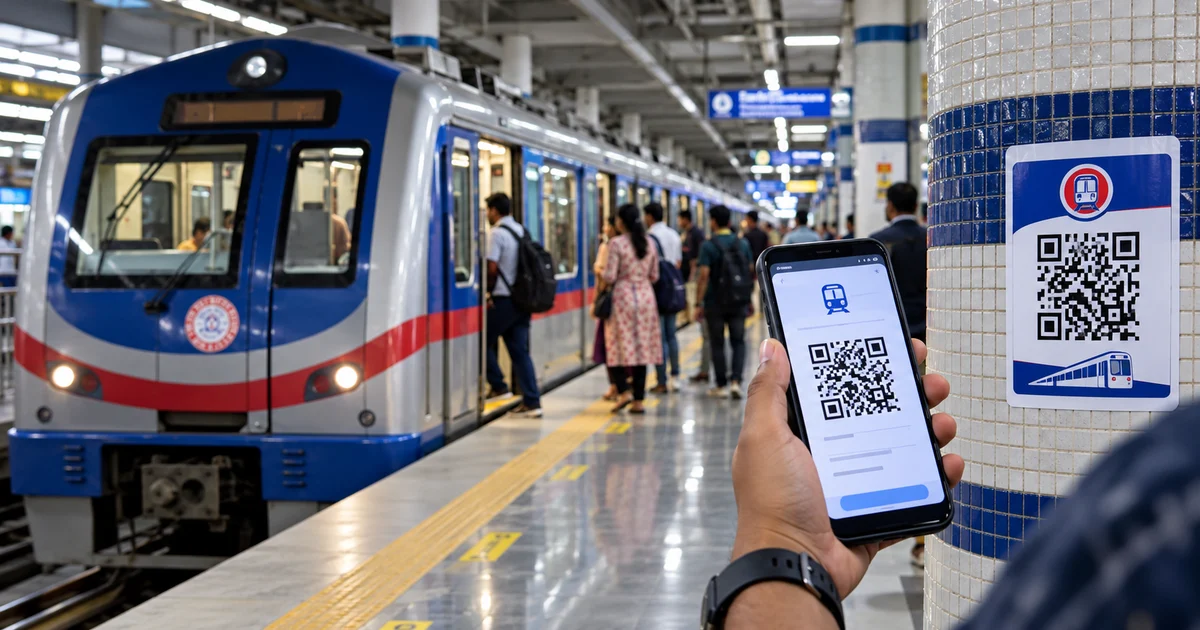
18 October 2026 | MOJO PULSE Kolkata Transport Desk. Kolkata Metro passengers can now book mobile QR tickets in two additional ways: by scanning QR stickers displayed at selected stations, or through the Paytm app. Introduced on 14 October 2026 at Park Street Metro station by Metro Railway General Manager Prem Sagar Gupta, the options are intended to ease queues ahead of Durga Puja.
The station-sticker method opens a web-based ticketing service without requiring a separate app. Paytm booking, by contrast, takes place inside the Paytm app. Both produce a mobile QR ticket for travel, not a paper token.
How to book a Kolkata Metro ticket using station QR stickers
- Find an official Metro Railway QR sticker displayed at a participating station.
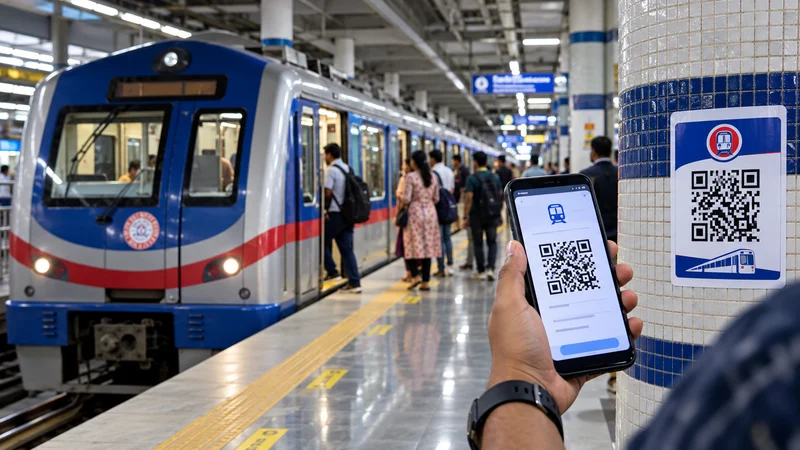
- Scan the sticker with your phone camera and open its booking link.
- Select Buy QR Ticket.
- Choose your destination, enter the number of passengers and provide your mobile number as prompted.
- Confirm the fare and complete payment through the available gateway.
- Use Download Ticket PDF to save the QR ticket, then scan the ticket QR at the relevant station gate.
Important: The QR code printed on the station sticker is a link to the booking portal. The QR code on your purchased ticket is the one used for entry. These are different codes.
Which Kolkata Metro stations have QR sticker ticket booking?
QR-sticker ticket booking has been introduced at selected stations. Early rollout information identifies the following stations; passengers should check official station signage before relying on availability:
- Esplanade
- Dum Dum
- Dakshineswar
- Rabindra Sarobar
- Mahanayak Uttam Kumar
- Kalighat
- Howrah
- Sealdah
- Sovabazar–Sutanuti
- Salt Lake Sector V
- Dum Dum Cantonment
Metro Railway updates: Follow @metrorailwaykol, the official Metro Railway Kolkata account on X, and consult its QR-ticketing announcement for updates. Availability should be confirmed at the station.
How to book Kolkata Metro QR tickets on Paytm
- Open the Paytm app and search for Metro.
- Select Kolkata Metro, then Metro QR Ticket.
- Choose the source and destination stations.
- Select the passenger count and complete payment.
- Tap View Ticket to access the QR ticket on your phone.
- Scan that QR ticket at the metro entry gate.
Paytm says passengers can book between any two stations from the app before reaching the station. The existing Aamar Kolkata Metro app remains another ticketing option.
Is there a 5% discount on Kolkata Metro QR tickets?
A QR ticketing poster photographed at Park Street Metro station advertises a 5% discount, alongside the message that no additional app is required. This is an advertised promotion, not a guarantee that every booking or Paytm transaction qualifies. Check the fare breakdown, offer eligibility and final payable amount before confirming payment.
Why the rollout matters during Durga Puja
Durga Puja travel brings heavy crowds around interchange stations and popular pandal routes. Buying a QR ticket beforehand through Paytm—or using a station sticker to skip the ticket counter—may save time, but it will not eliminate security lines, platform crowd controls or operational restrictions. Keep the ticket accessible on your phone, charge your battery and check official Metro Railway service alerts before setting off.
Stay safe when scanning Metro ticket QR stickers
Scan only stickers on official Metro Railway signage. Check the website address before entering a mobile number or payment information, and avoid damaged or suspiciously overlaid QR labels. Save your ticket PDF or in-app ticket after payment. If the link looks unusual or the payment fails, ask station staff for assistance instead of repeatedly paying.
Frequently asked questions
Do I need to download an app for station QR-sticker booking?
No. The station sticker opens a web booking flow. Booking through Paytm separately requires its app.
Can I book for another station?
The station-sticker flow asks for your destination, while Paytm offers source and destination selection. Confirm the available route in the booking interface.
Where do I scan the purchased ticket?
Scan the QR code generated after payment at the designated Metro station gate—not the original sticker used to start the booking.
Is the 5% discount available to everyone?
The Park Street poster advertises a 5% offer, but eligibility and application must be confirmed in the purchase flow.
Official updates and ticket booking information
Metro Railway Kolkata: QR-ticketing announcement on X · Official @metrorailwaykol account · Paytm: QR ticket booking instructions

Reader discussion
Join the conversation respectfully. Your email address will not be published. Comments are reviewed before appearing.